# Notebook
# Overview
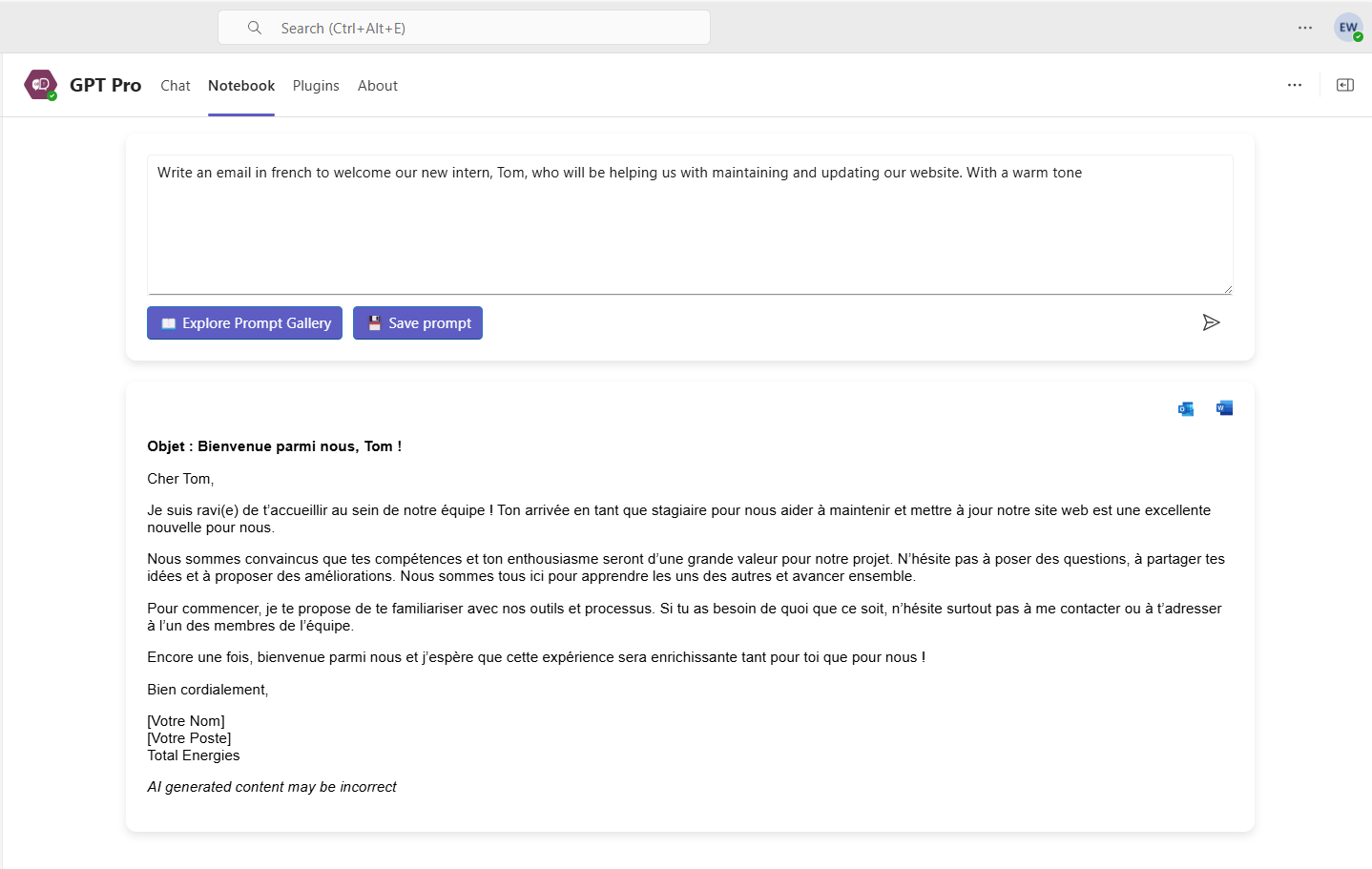
The Notebook is a feature available within Teams, integrated into each Agent created with AI desk Pro, that allows the creation of an initial prompt and the ability to modify it directly in a text box. This enables users to adjust their request without starting a new conversation. With just one click, queries can be refined, and personalized responses are provided instantly.
The Notebook offers a quick solution that reduces back-and-forth and increases efficiency. It allows for on-the-fly adjustments to prompt details, making the process faster and more streamlined.
Different scenarios or variations of questions can be tested directly within the Notebook.
# How does the Notebook work?
To access the Notebook feature, open your Agent in Teams. The Notebook is available as a tab in the Agent.
# Create a new message
- 1
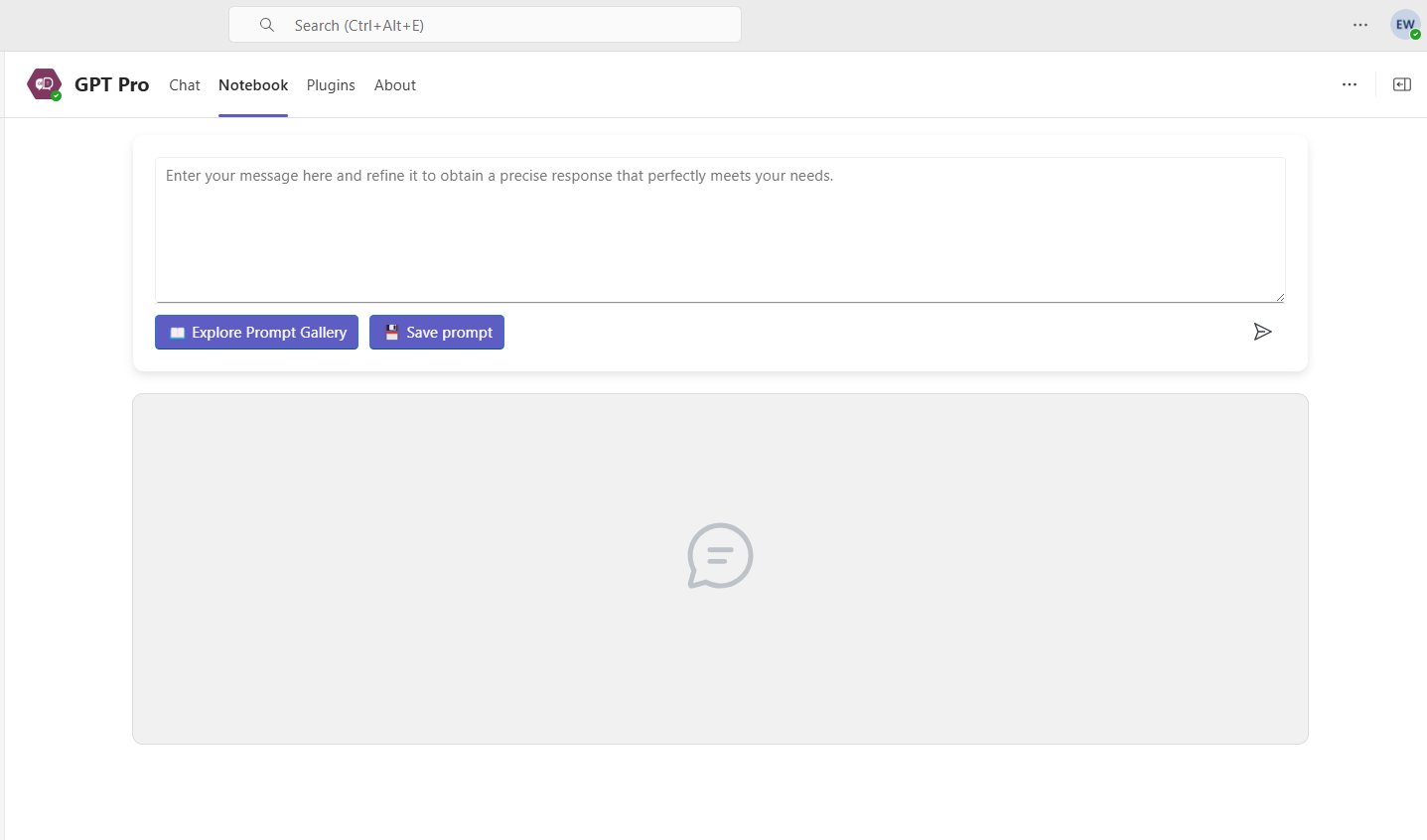
Create a new message
- Enter your message, or click the Explore Prompt Gallery button. The message is then displayed.
- If the result is not fully satisfactory, edit the message to refine it.
- Once you are happy with the result, click Save prompt. You are given two options: save it for personal use or for your organization.
# Export the answer
You can export the response in Excel format or send the content directly to Outlook. For responses over 2000 characters, the Outlook email is downloaded.