
# Delete a Contact in Contacts Pro
Remove a contact you no longer need directly from the contact list. Deletion frees up space against your tier limit and keeps your list clean.
Deleting a contact is permanent. It cannot be recovered, and all data stored for that contact is removed. Export your contacts first if you might need them again.
- 1
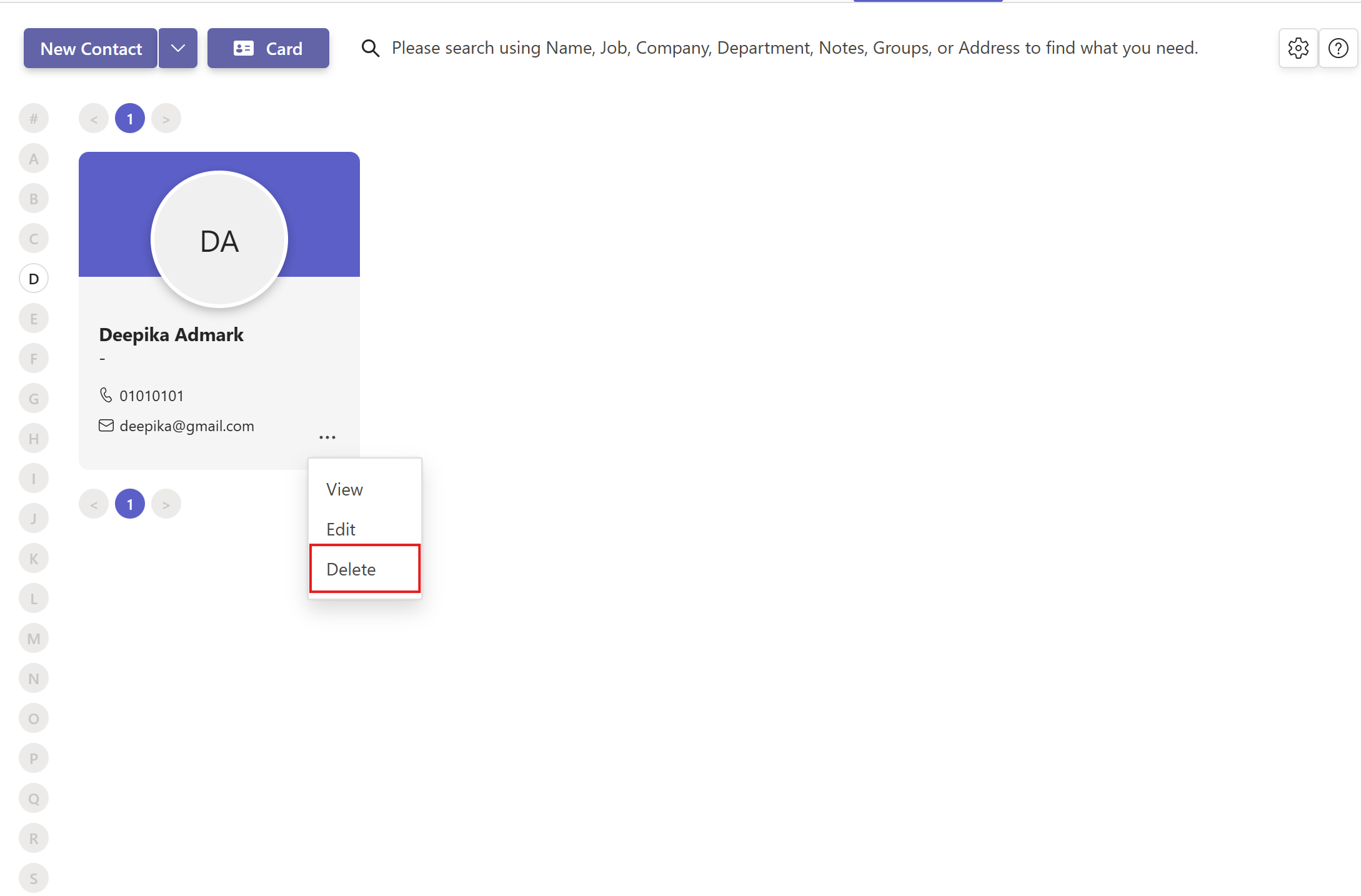
In Contacts Pro, click the three dots on the contact you want to remove.
- 2
Select Delete.
- 3
Confirm by clicking Delete permanently in the confirmation window.
You need delete rights to remove a contact. If Delete is unavailable, ask a Contacts Pro owner to grant you permission.
# Related pages
- Back up your list first with how to export contacts.
- Change details instead of deleting in how to edit a contact.
- Review what each tier can remove in Mixed Tier Usage in Contacts Pro.