
# Edit an occurrence in a recurring event in Booking Room Pro
A recurring booking repeats on a schedule, but sometimes one date needs to differ from the rest, for example a room change for a single week. Editing an occurrence lets you adjust just that one date in the series while every other occurrence keeps its original settings.
Recurring bookings and editing their occurrences are part of Booking Room Pro Premium. See the Premium vs Free comparison.
# Edit a single occurrence
- 1
Open the Booking Room Pro tab and click the specific occurrence (the single date) you want to change in the calendar.
- 2
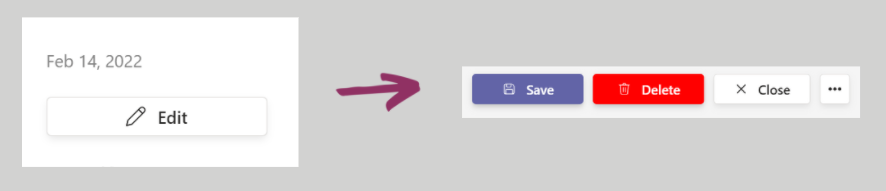
Click the edit icon to open the booking form for that occurrence.
- 3
Make your changes, such as the time, room, or description, for that date only.
- 4
Click Save. Only that occurrence is updated, and the rest of the series stays the same.
If you edit and save the entire series instead of a single date, any custom changes you made to individual occurrences are removed.