
# Find your Map Pro version
The version number tells you which release of Map Pro your tab is running. It is the first thing support asks for when you report a problem, because it lets them confirm whether a fix is already available. You find it in the same About dialog that shows the unique identifier.
# Check the version
- 1
Open your Map Pro tab in Microsoft Teams.
- 2
Click the Help icon (the question mark) in the top-right corner of the tab.
- 3
Select About from the menu.
- 4
Read the number listed under Version in the dialog.
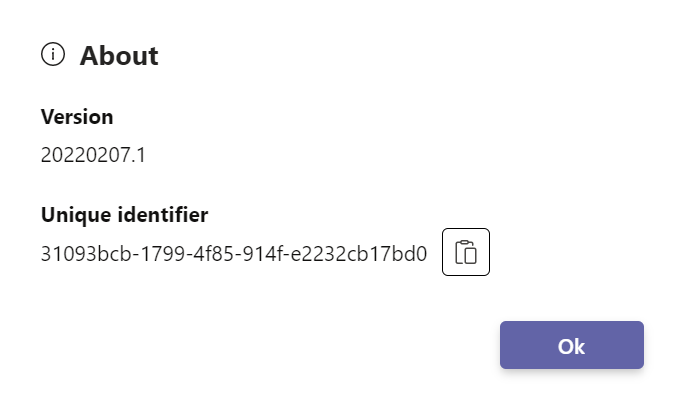
Include the exact Version number and the Unique identifier when you contact support. Together they let the team reproduce the issue on the right map straight away.